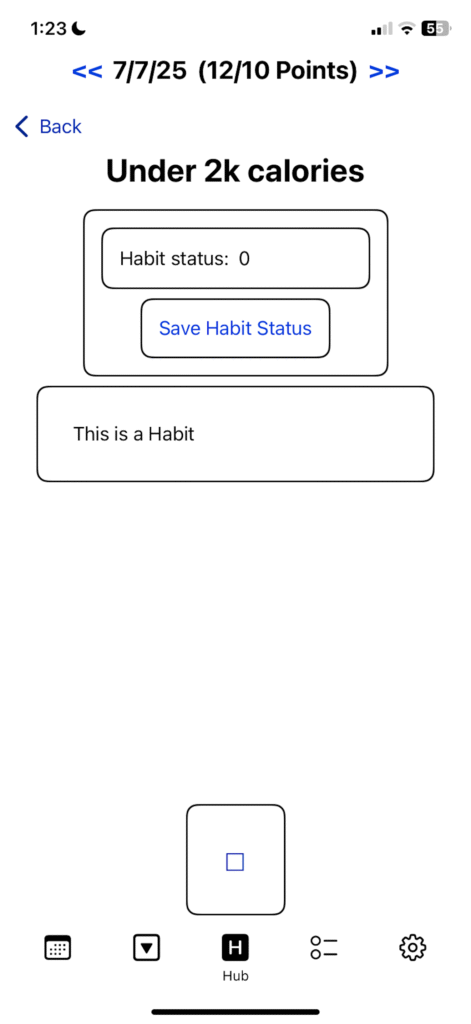
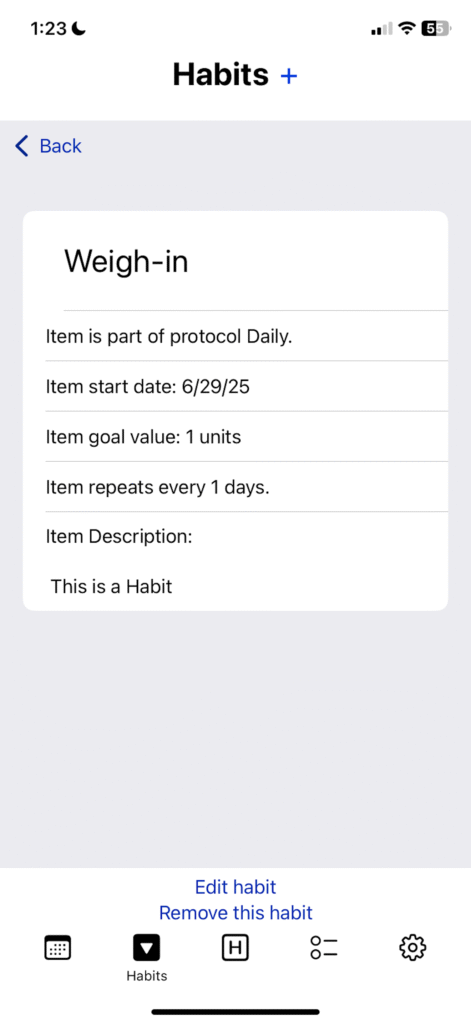
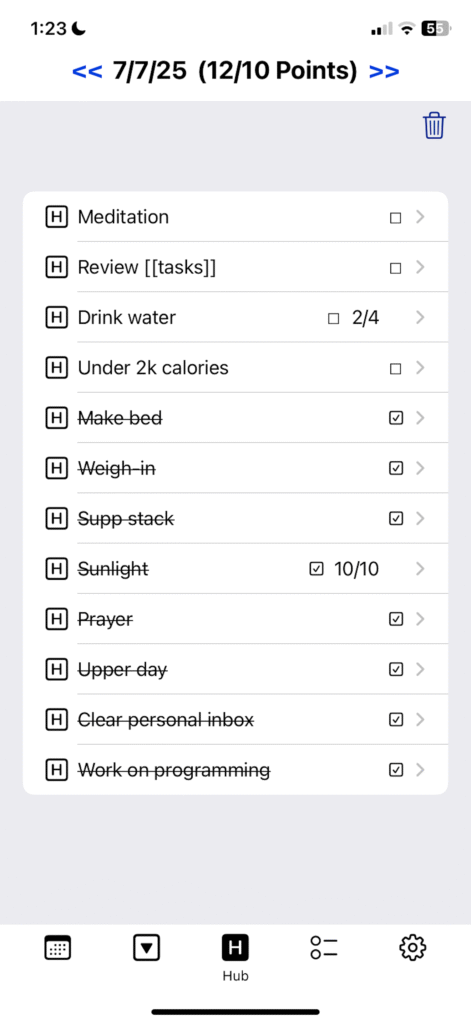
One of the greatest causes of unnecessary mental strain every day is decision fatigue. In a primarily knowledge-work society like ours, few can afford to waste precious cognitive power on the chore of figuring out what they have to do every day, which is why I designed and built Protocol Tracker.
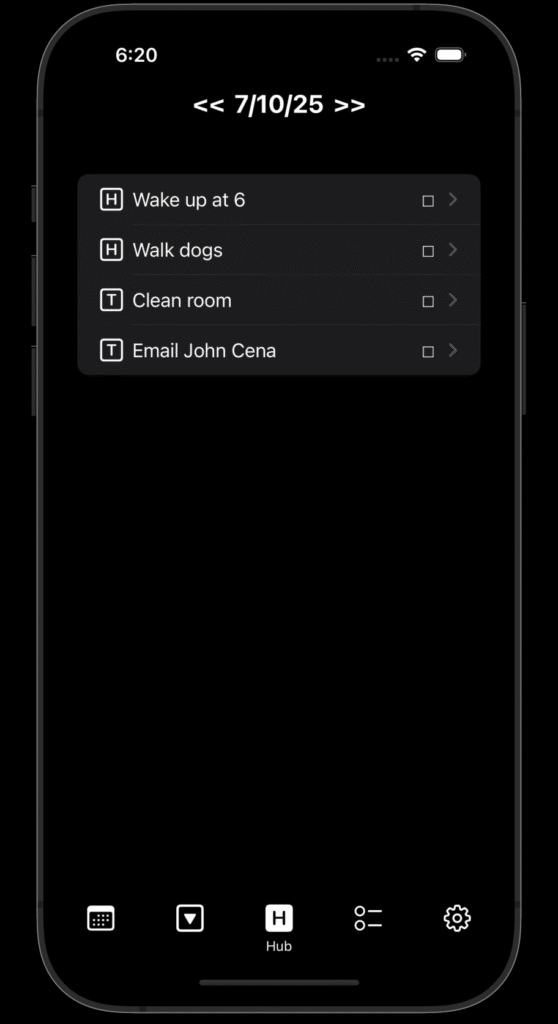
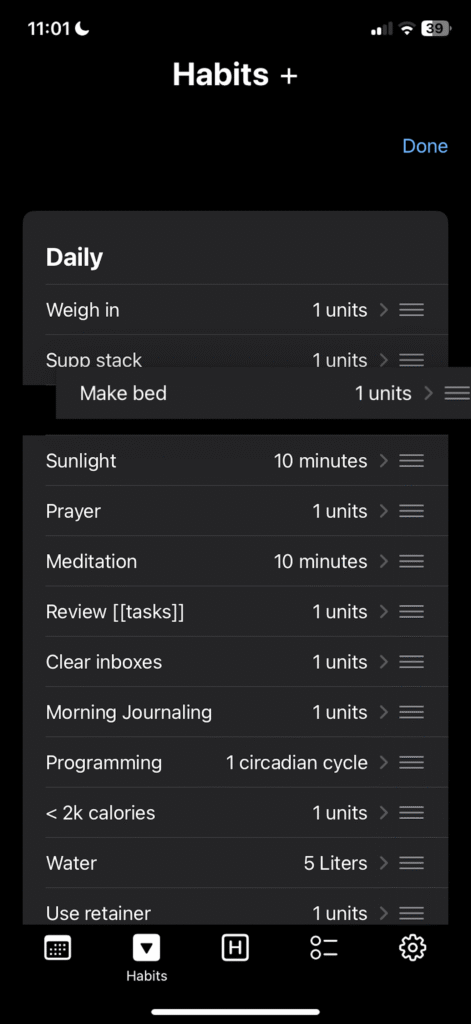
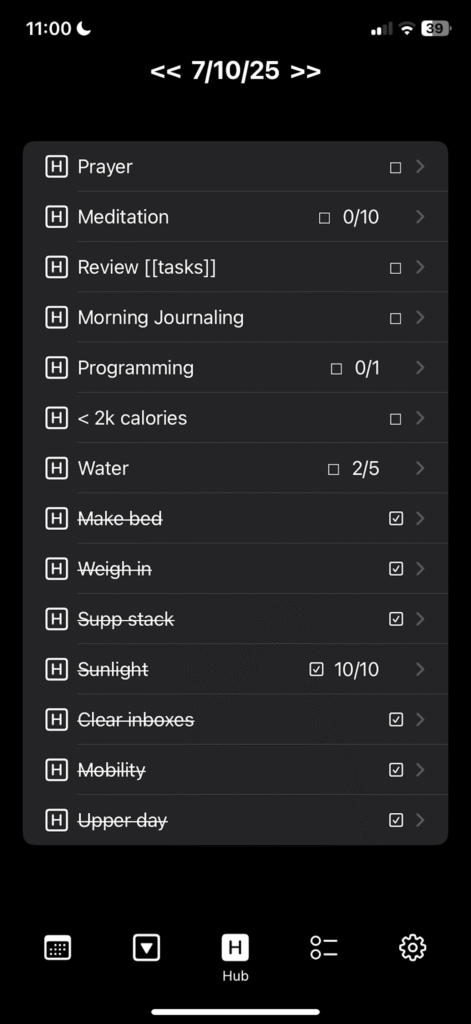
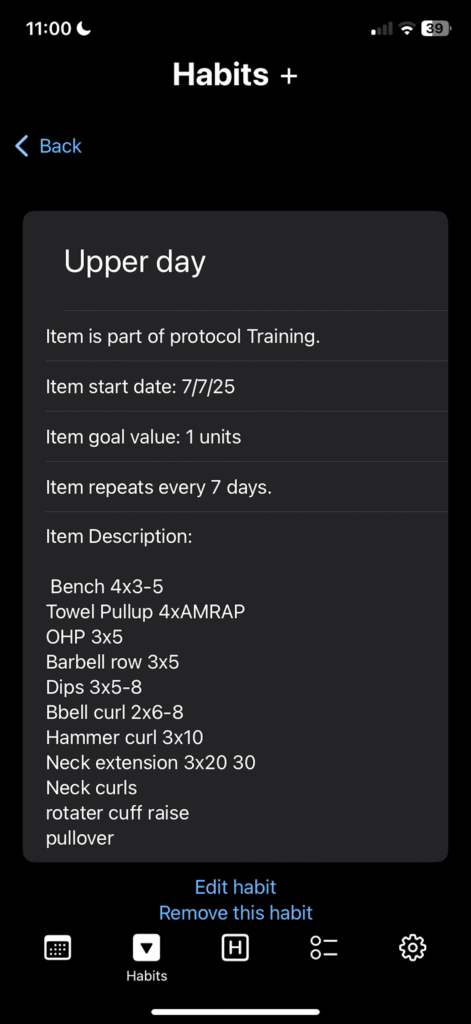
Protocol tracker allows the user to completely automate the timing and tracking of both repeating habits and unique tasks, and combines them in a sleek interface that eliminates the need for sprawling task spreadsheets or manually writing down your habits and to-dos every day by hand. It consolidates all initiatives into an easy-to-read list every day that you can follow and check off as you complete them.
This application attempts to combine bullet journalling and Emacs Org Mode functionalities for maximum ease of use when deciding what to do each day. Forget the hassle of manual to-do lists, and keeping up with calendars – Protocol Tracker allows you to “set it and forget it”.
With its minimalistic interface that adapts to your phone’s dark/light settings, Protocol Tracker is easy on the eyes-
and unlike the majority of the applications on your phone, it neither begs for your attention nor sells your personal information to Meta.
If you want to take advantage of the organizational prowess of Emacs Org Mode with the speed, reliability, and user-friendliness of the
Apple UI, then download Protocol Tracker from the App store (and leave me a good review if you like it!)
Note: Current Version does not support syncing with Google Calendar – feature is coming soon.
Under construction 👷♂️🛠️‼️
ScatterCLI is a simple CLI (Command Line Interface) written in C++ for interacting with Obsidian.md Kanban files from the terminal while programming, without having to have Obsidian open.
When programming, I find it very distracting to have to switch back and forth between applications, and it slows down my workflow – so I built ScatterCLI to allow myself to have a live interface between my to-do list for any project directly to terminal, without having to constantly toggle back and forth between Obsidian (the notes app that I use) and Visual Studio. ScatterCLI is built to accept a filepath from the user to a Kanban file in Obsidian, but it can be used free standing if the user generates their own file to build from.
ScatterCLI allows me to streamline moving task cards in between to-do list columns and the completed task column , but also grants the power of automation and completion tracking, meaning I could implement a points system to keep track of my progress on a given assignment.
The link to the Github for the project is below, along with some media.